![wavumbuzi_favicon-logo-120x120-1.png]](https://5181828.hs-sites.com/hs-fs/hubfs/wavumbuzi_favicon-logo-120x120-1.png?height=30&name=wavumbuzi_favicon-logo-120x120-1.png)
To access the individual record of each of your learners, please complete the below steps:
- Log into your Teacher Portal as an "Admin Teacher"
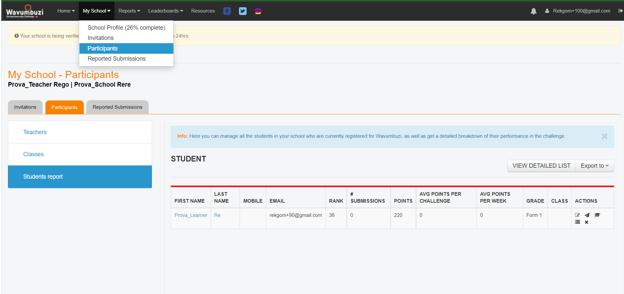
- Click on the My School’ in the navigation bar and click on the ‘Participants’ dropdown
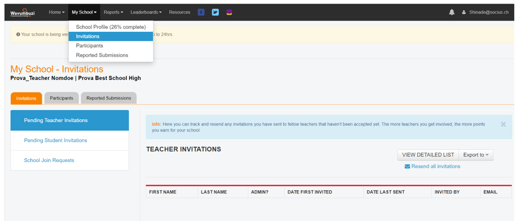
- You will now be presented with a list of your learners. Slide to the far right side of the screen and click on the Graduate Hat icon to view the learner’s performance, statistics, badges and specific submissions as shown below: