![wavumbuzi_favicon-logo-120x120-1.png]](https://5181828.hs-sites.com/hs-fs/hubfs/wavumbuzi_favicon-logo-120x120-1.png?height=30&name=wavumbuzi_favicon-logo-120x120-1.png)
The Wavumbuzi support chat is available to help you with any questions or issues you may have on the platform. This article explains how the chat works and what to expect when you start a conversation.
How to use the support chat
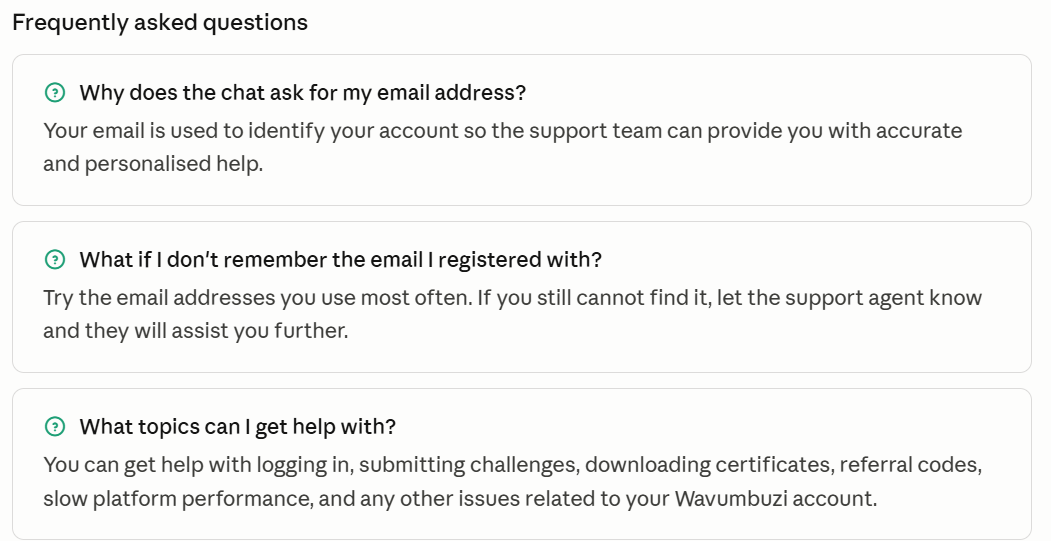
- Open the chat: Click on the chat icon on the Wavumbuzi platform to start a support conversation.

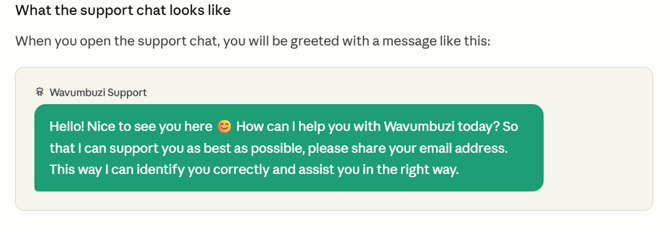
- Read the greeting message: The support assistant will welcome you and ask how it can help you.
- Provide your email address: Share the email address you used to register on Wavumbuzi. This helps the support team locate your account and assist you faster.
- Describe your issue: Clearly explain what you need help with — for example, logging in, submitting a challenge, downloading your certificate, or finding your referral code.
- Wait for a response: A support agent will respond to assist you as soon as possible.